安装
sudo apt-get update
sudo apt-get install nginx
若是报错尝试查找依赖
sudo apt-cache showpkg nginx
然后使用
sudo apt-get update
sudo apt-get install
dependency-name是依赖名称,同时需要去掉尖括号
nginx的配置文件位置
cd /etc/nginx/
sudo cp nginx.conf nginx.conf-save
sudo nano nginx.conf
切换并备份一个nginx的配置文件,再打开。
备份的文件名称是nginx.conf-save,nginx会读取的是nginx.conf
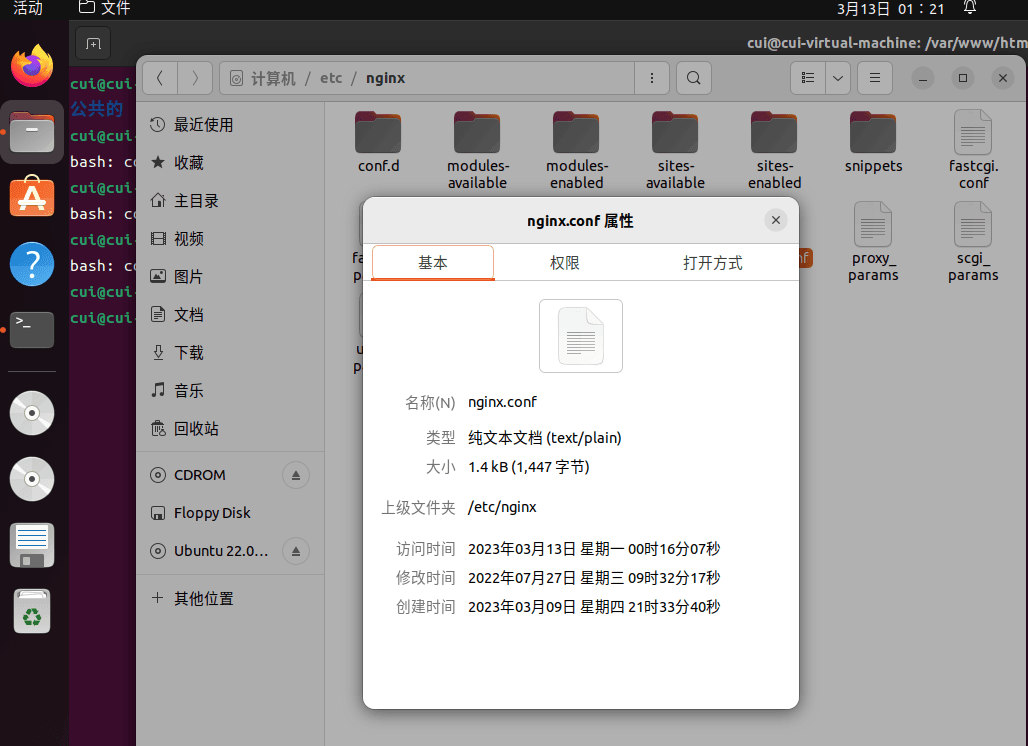
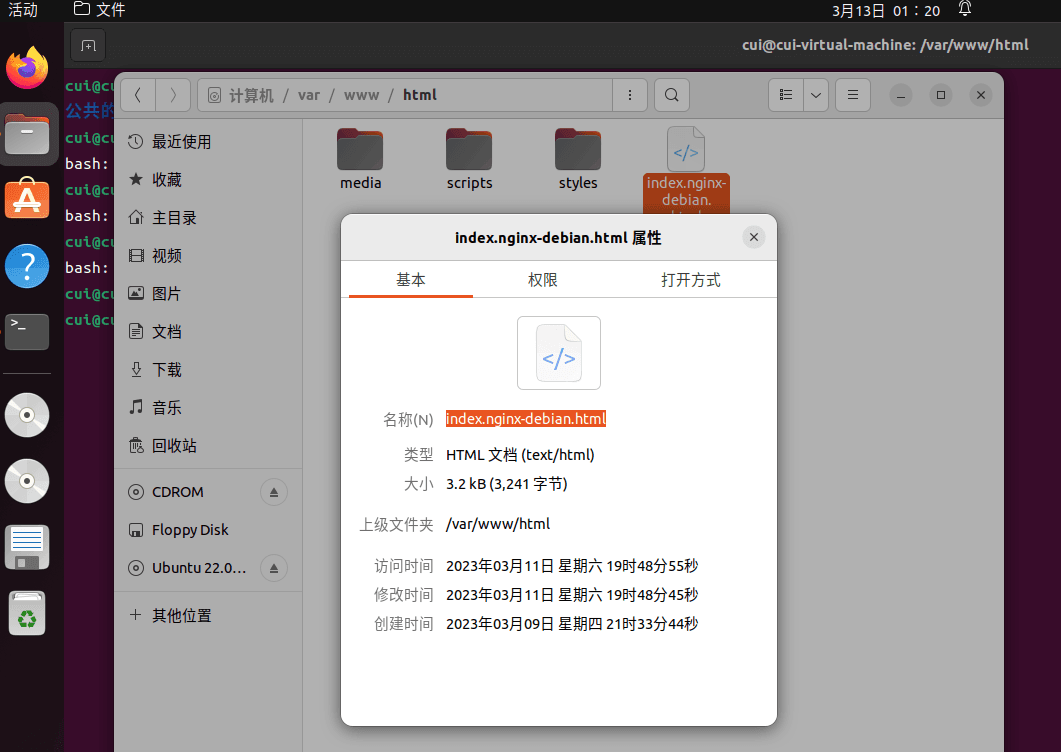
nginx的nginx.html文件位置
cd /etc/www/html/
sudo nano index.nginx-debian.html
切换并打开默认html文件
到此这篇关于在linux中安装nginx及在树莓派ubuntu中安装nginx的方法的文章就介绍到这了,更多相关linux ubuntu安装nginx内容请搜索IT俱乐部以前的文章或继续浏览下面的相关文章希望大家以后多多支持IT俱乐部!

