安装
npm install html5-qrcode
代码
import {
Html5Qrcode
} from 'html5-qrcode';
export default {
data() {
return {
html5Qrcode: null,
isScaning: false,
}
},
methods: {
startScan() {
this.isScaning = true;
Html5Qrcode.getCameras().then(devices => {
if (devices && devices.length) {
this.html5Qrcode = new Html5Qrcode('reader');
this.html5Qrcode.start({
facingMode: 'environment',
}, {
fps: 24,
qrbox: 280
}, (decodeText, decodeResult) => {
console.log(decodeText)
if (decodeText) {
this.stopScan();
this.isScaning = false;
}
}, (err) => {
console.log(err)
});
}
});
},
stopScan() {
this.html5Qrcode.stop();
},
scanCode() {
console.log('helo')
this.startScan();
}
}
}
.container{
height:100%;
}
.reader-box {
position: fixed;
top: 0;
bottom: 0;
left: 0;
right: 0;
background-color: rgba(0, 0, 0, 0.5);
}
.reader {
width: 540rpx;
height: 540rpx;
position: absolute;
top: 50%;
left: 50%;
transform: translate(-50%, -50%);
}
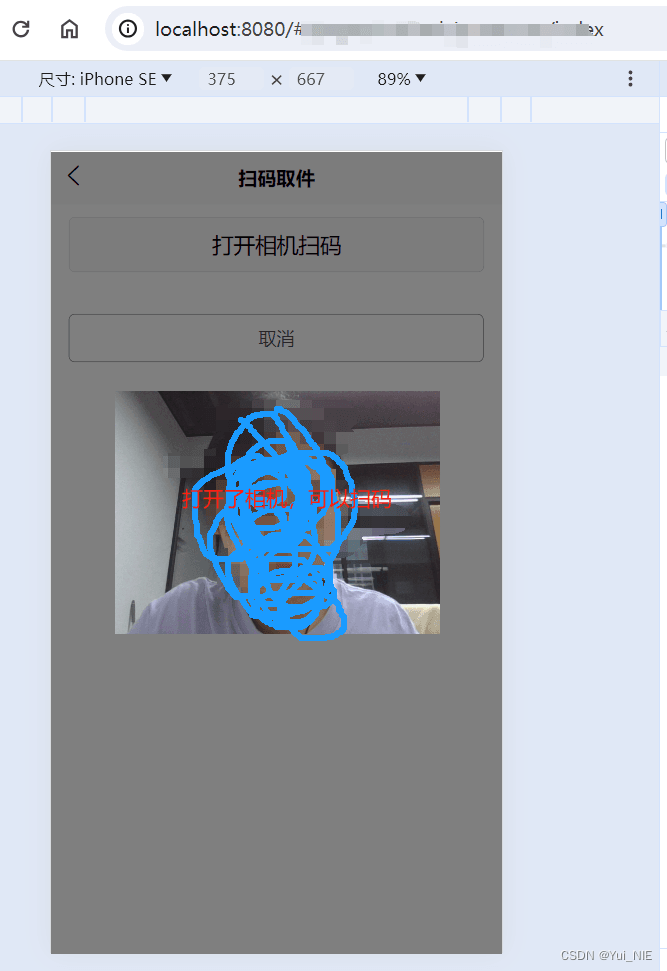
测试效果
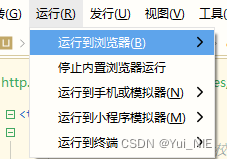
uniapp运行到浏览器
到此这篇关于uniapp在h5页面实现扫码功能(html5-qrcode)的文章就介绍到这了,更多相关html5 qrcode扫码内容请搜索IT俱乐部以前的文章或继续浏览下面的相关文章,希望大家以后多多支持IT俱乐部!

