我本地maven的settings.xml文件中的配置:
aliyunmavencentral阿里云公共仓库https://maven.aliyun.com/repository/public
在pom.xml文件中添加tomcat8插件:
之前试过tomcat7,直接更新pom文件即可使用,这里略过
org.apache.maven.pluginsmaven-compiler-plugin3.8.111org.apache.tomcat.maventomcat8-maven-plugin3.0-r1655215/maven_webtomcat
报错如下: 在阿里云仓库中找不到
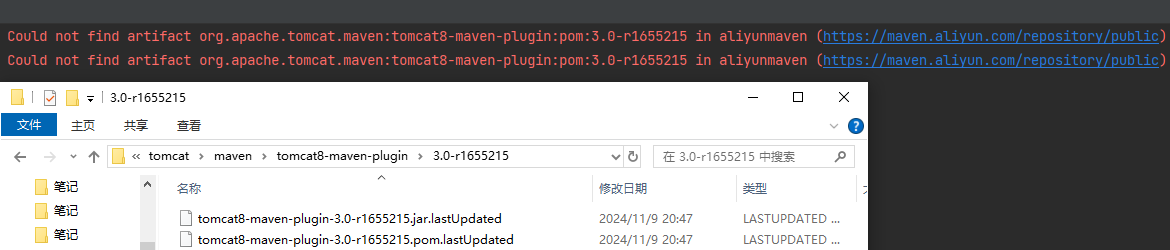
网上文章说在pom.xml文件中添加如下的配置:但仍旧无效,所以下面的配置不管用!
alfresco-publichttps://artifacts.alfresco.com/nexus/content/groups/publicalfresco-public-snapshotshttps://artifacts.alfresco.com/nexus/content/groups/public-snapshotstruedailybeardedgeeks-releaseshttp://beardedgeeks.googlecode.com/svn/repository/releases
后来找到文章,将下面的镜像放到maven的settings.xml文件中:
alfrescoalfresco mavenhttps://artifacts.alfresco.com/nexus/content/groups/publiccentral
但是仍然说无法解析:

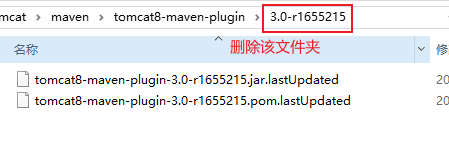
重新下载,报错说在阿里云这个仓库中找不到:

没有从我们添加的仓库中找,说明两个有冲突,注释掉阿里云试试:
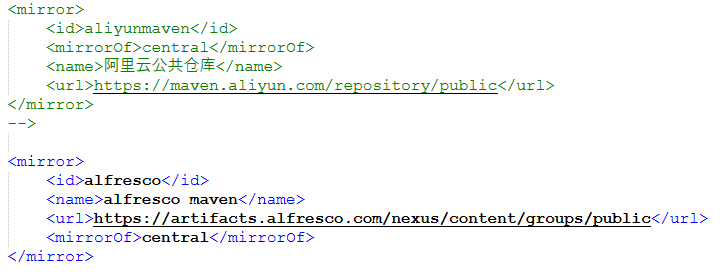
可以下载了:

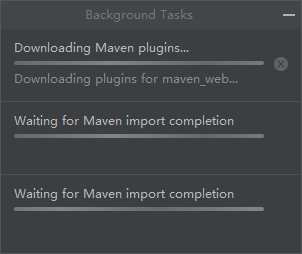
需要多等待一会儿,因为tomcat8有很多相关依赖,这是下载好的依赖:
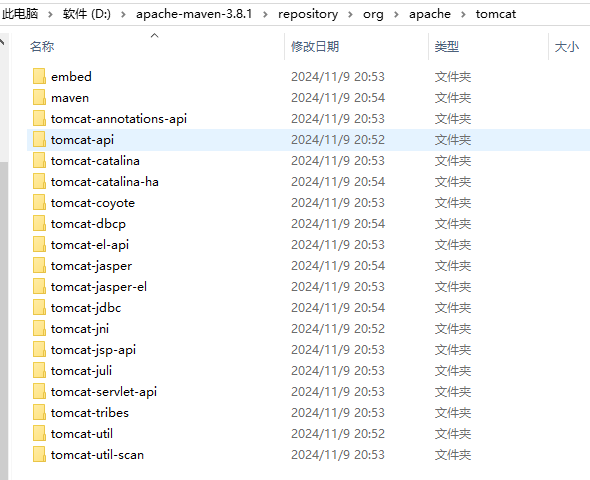
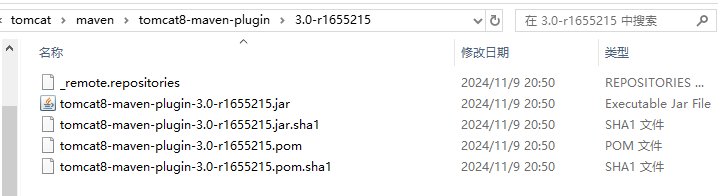
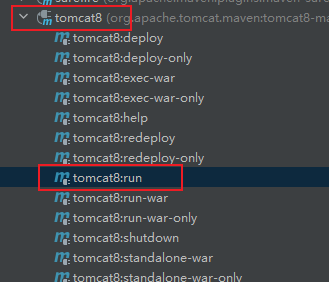
运行tomcat8:run命令:
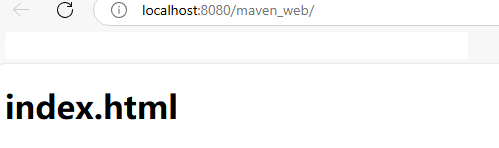
点击下图中的链接:
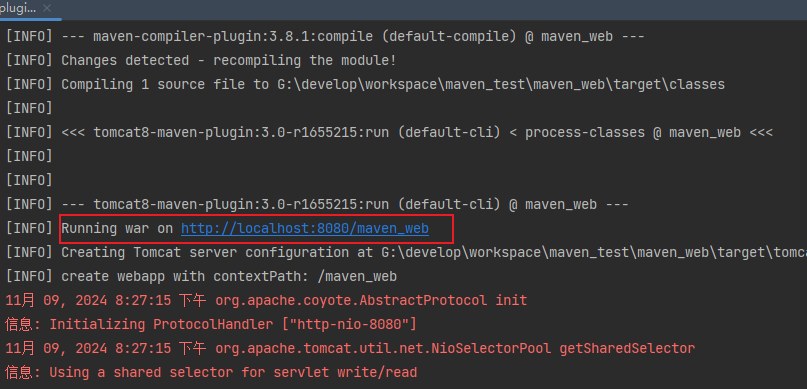
访问成功!
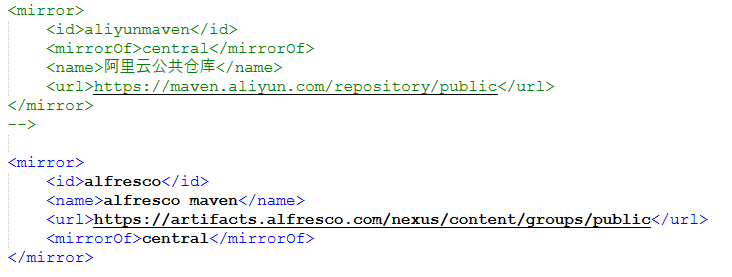
注意:以下非常重要!
使用tomcat8插件启动项目时,需要把阿里云注释掉:
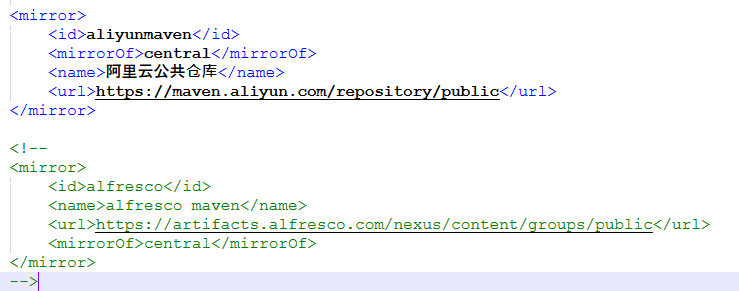
当不使用tomca8插件启动项目时,就把阿里云解开注释,把alfresco注释掉:
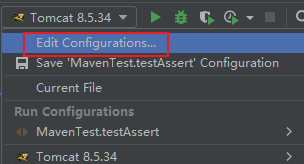
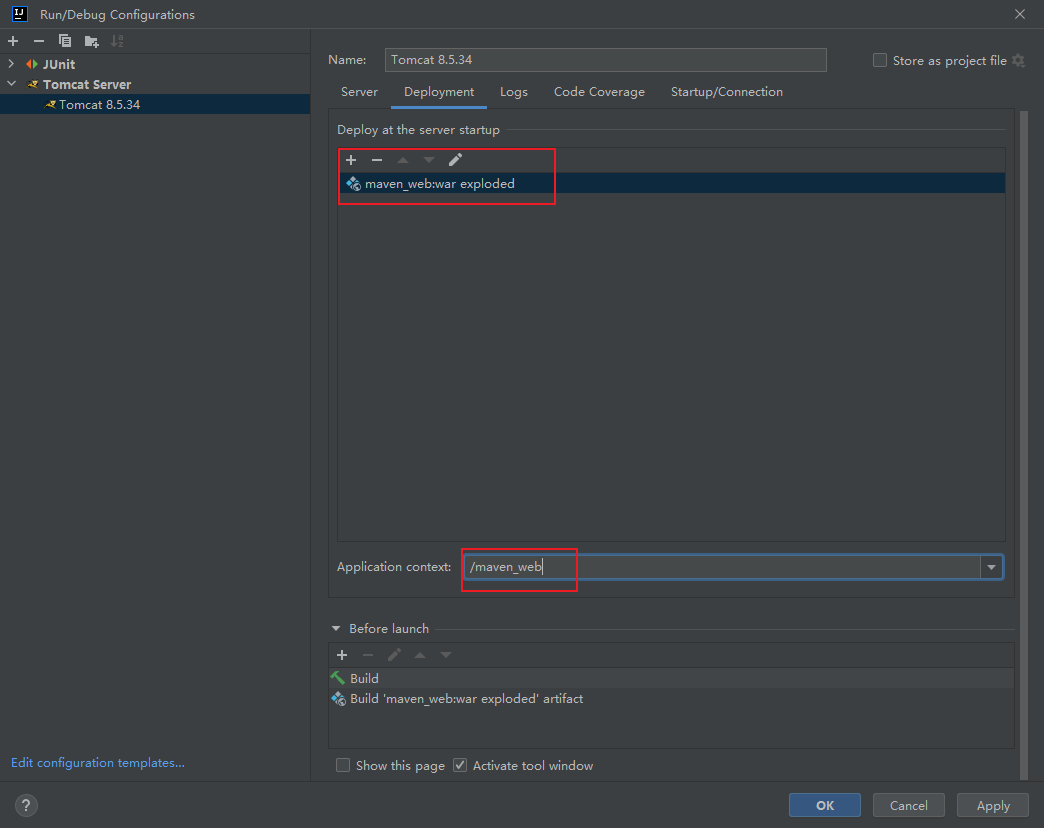
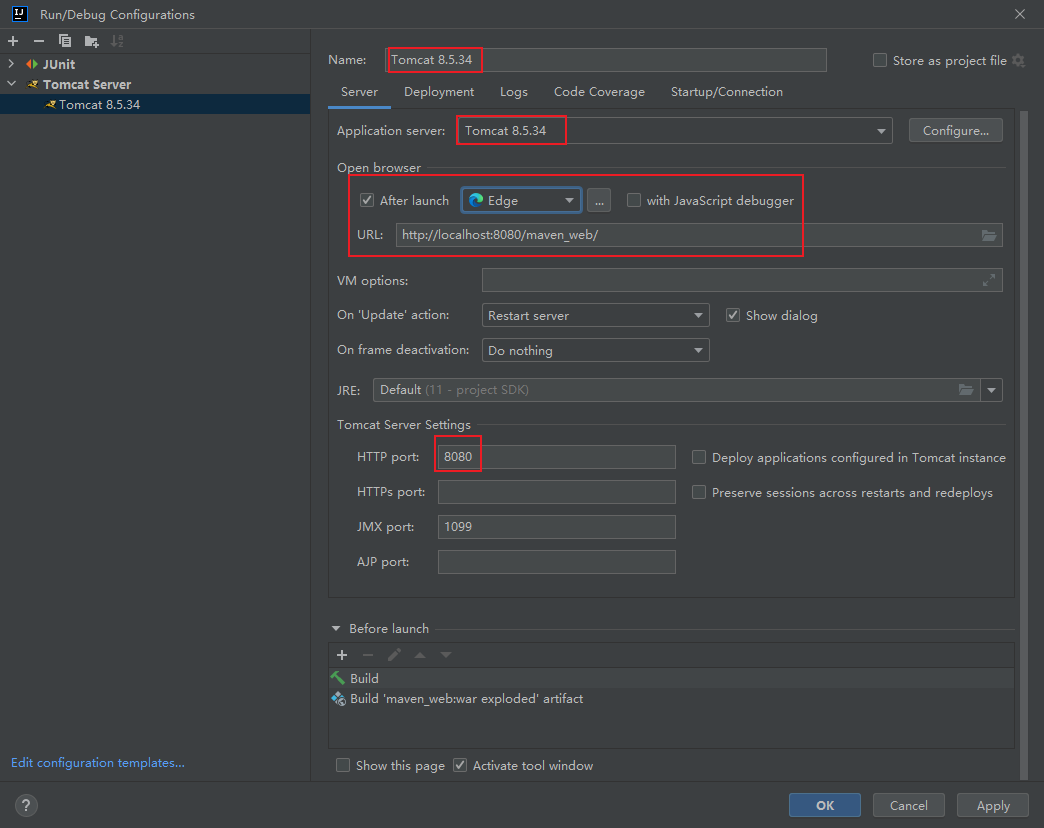
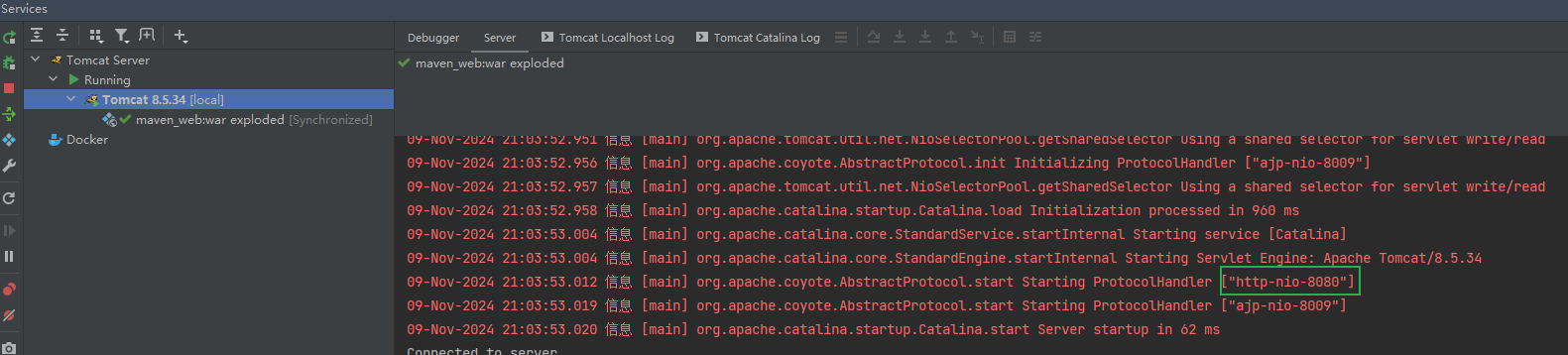
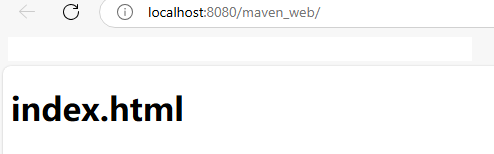
两个仓库有冲突,推荐在Edit Configurations中使用本地Tomcat,速度更快一些,不需要下载那么多依赖:
参考文章:
https://mvnrepository.com/artifact/org.apache.tomcat.maven/tomcat8-maven-plugin/3.0-r1655215
[记一记系列]maven使用Tomcat8插件的遇到问题和解决办法
这个问题困扰了我两天,找了很多文章都不行,所以网上的文章也不一定可靠,还需要自己动手慢慢调试,实践出真知呀~~
到此这篇关于Maven3.8.1使用Tomcat8插件启动项目(亲测有效)的文章就介绍到这了,更多相关Maven使用Tomcat启动项目内容请搜索IT俱乐部以前的文章或继续浏览下面的相关文章希望大家以后多多支持IT俱乐部!

